 # Pass
[](https://github.com/mssun/pass-ios/releases)

[](https://gitter.im/passforios/passforios)
Pass is an iOS client compatible with [ZX2C4's Pass command line
application](http://www.passwordstore.org/). It is a password manager using
GPG for encryption and Git for version control.
Pass for iOS is under *TestFlight external testing*. Drop me an email for
testing. Thank you.
## Features
- Try to be compatible with Password Store command line tool
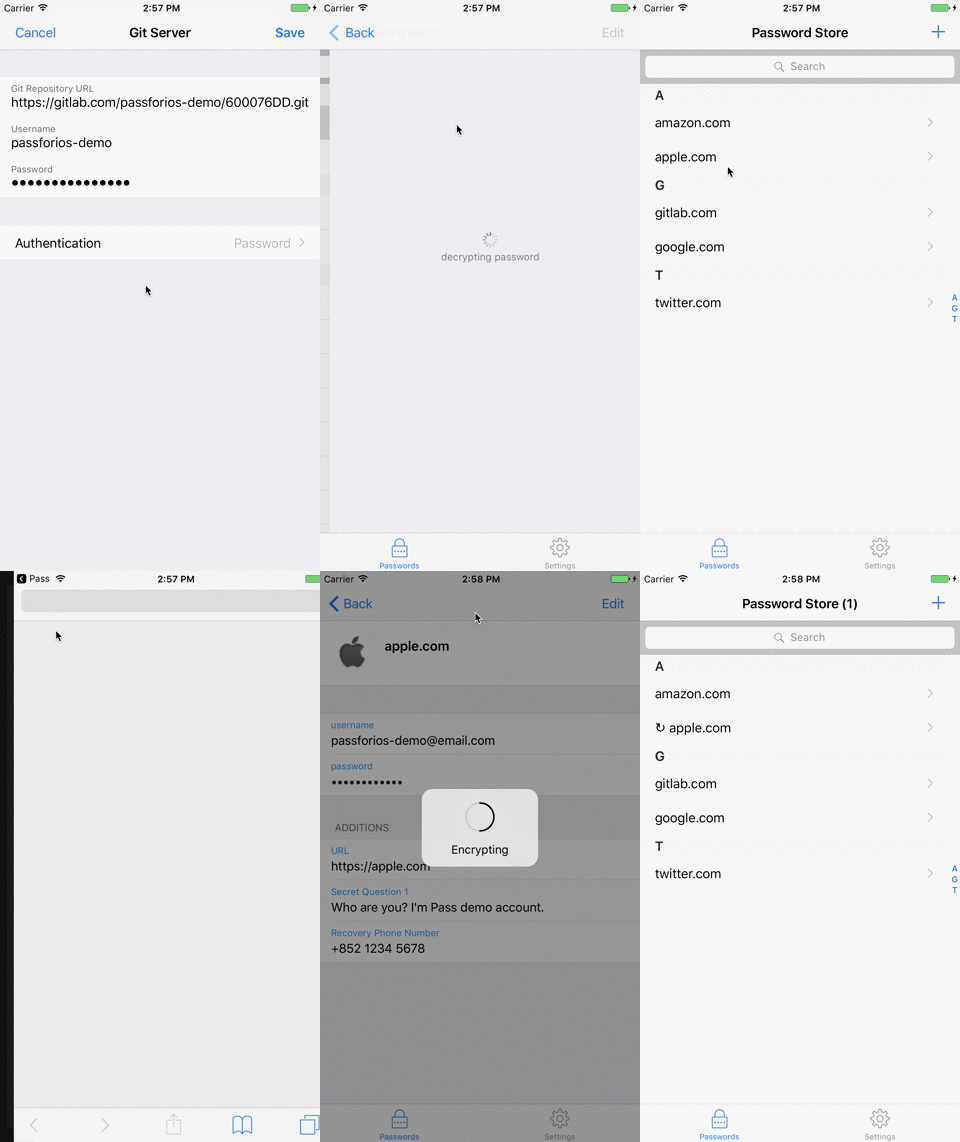
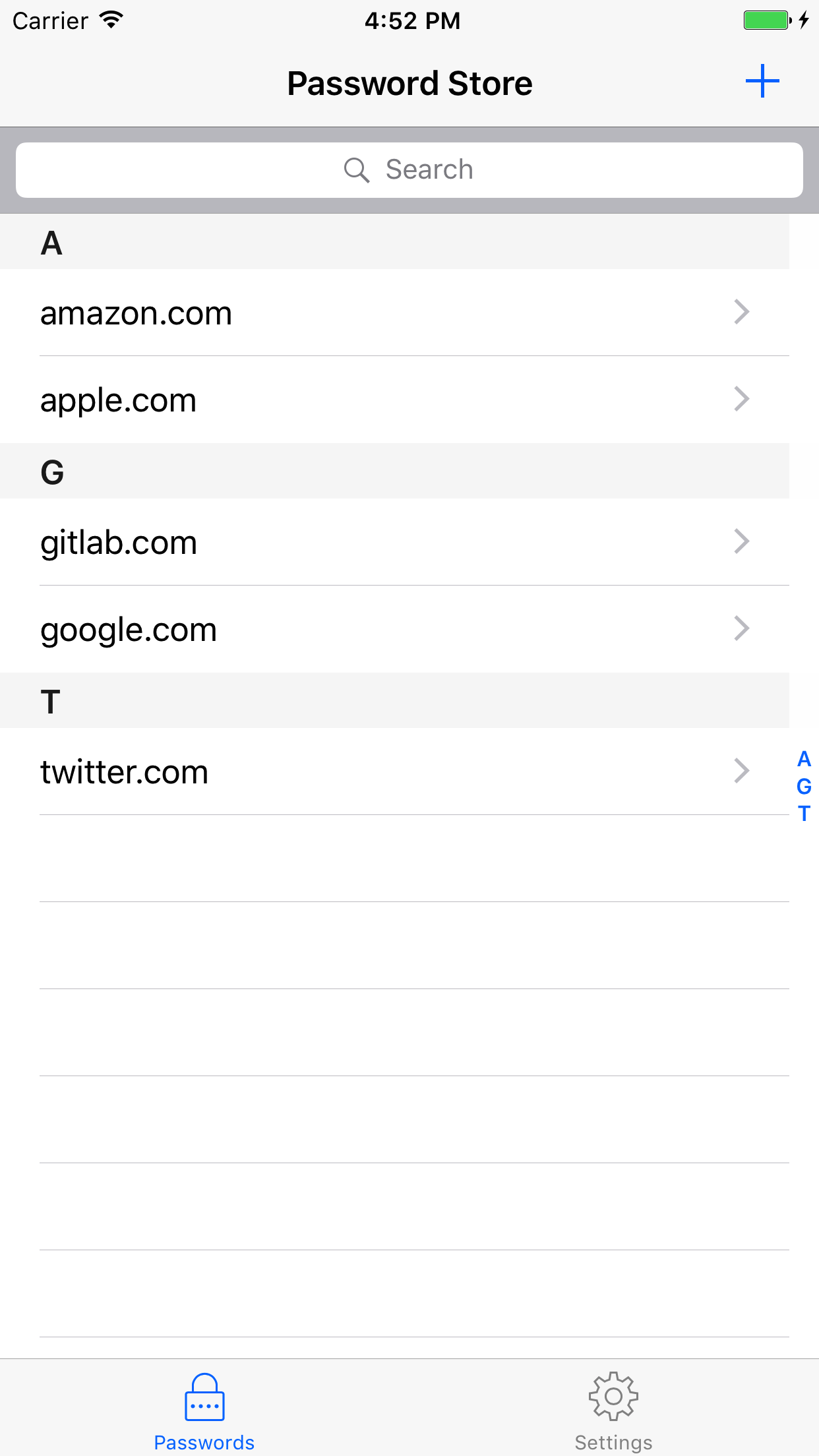
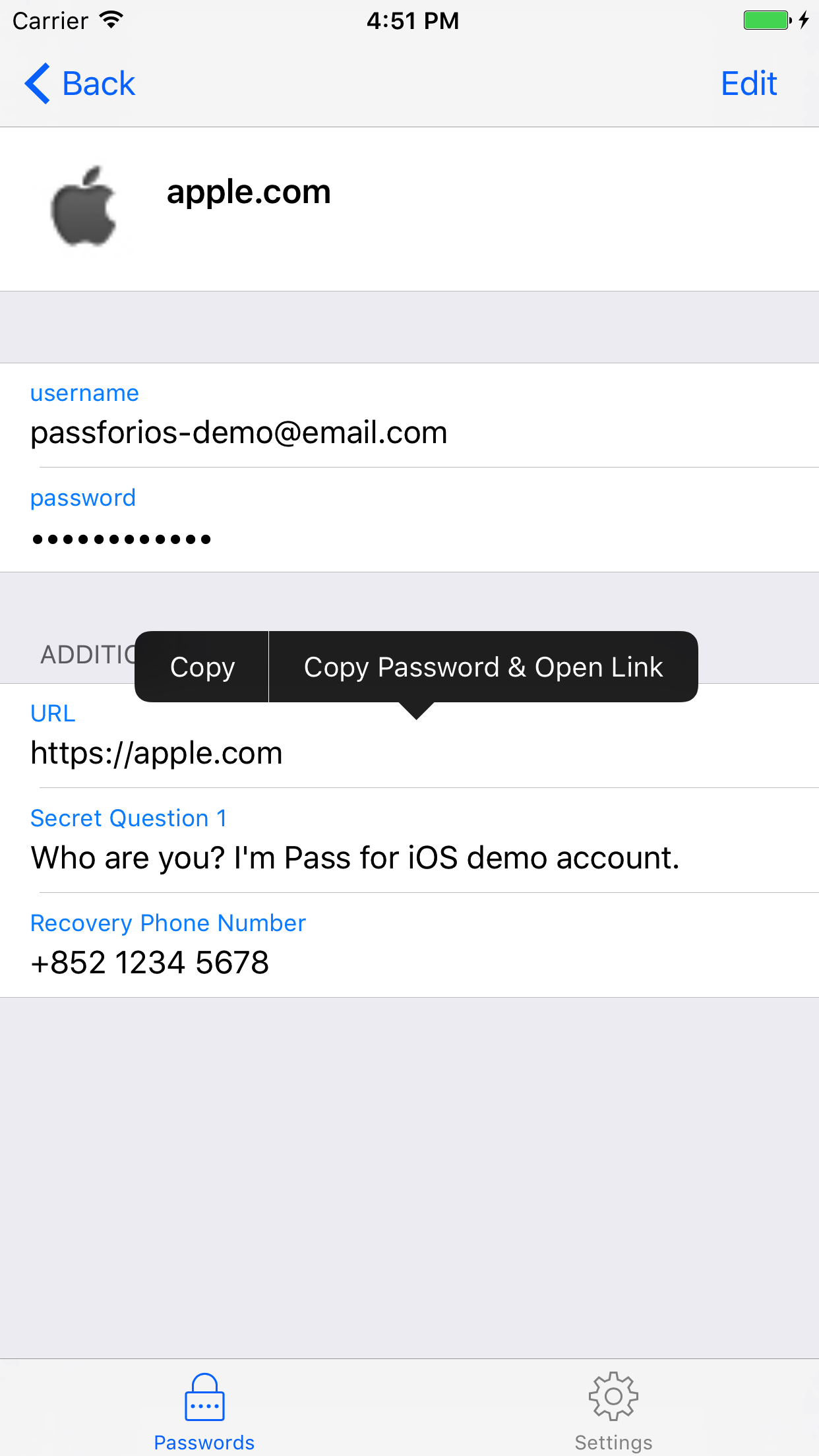
- Support to view, copy, add, edit password entries
- Encrypt and decrypt password entries by PGP keys
- Synchronize with you password Git repository
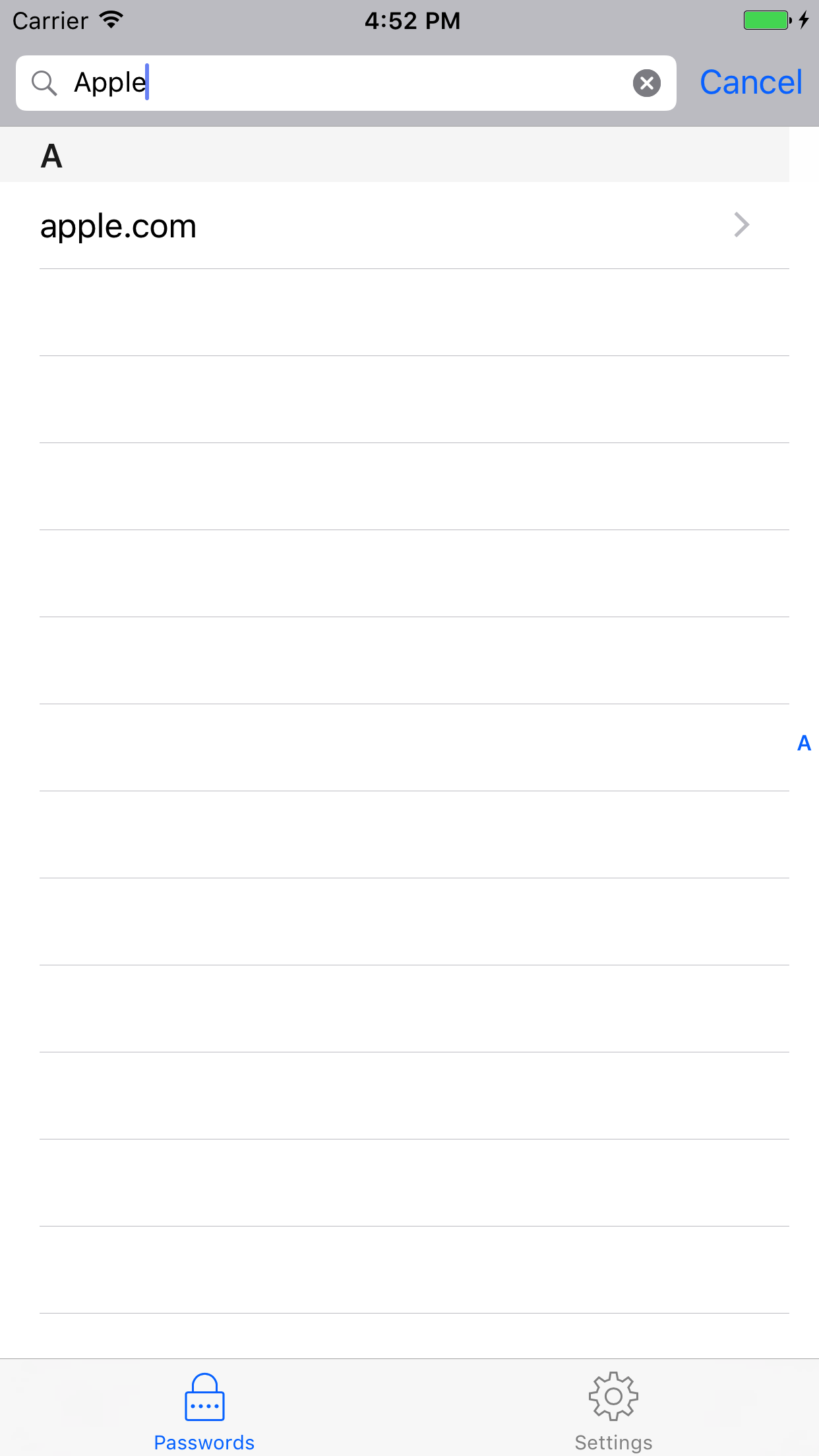
- User-friendly interface: search, long press to copy, copy and open link, etc.
- Written in Swift
- No need to jailbreak your devices
- Get from App Store (stay tuned, under review)
## Screenshots
# Pass
[](https://github.com/mssun/pass-ios/releases)

[](https://gitter.im/passforios/passforios)
Pass is an iOS client compatible with [ZX2C4's Pass command line
application](http://www.passwordstore.org/). It is a password manager using
GPG for encryption and Git for version control.
Pass for iOS is under *TestFlight external testing*. Drop me an email for
testing. Thank you.
## Features
- Try to be compatible with Password Store command line tool
- Support to view, copy, add, edit password entries
- Encrypt and decrypt password entries by PGP keys
- Synchronize with you password Git repository
- User-friendly interface: search, long press to copy, copy and open link, etc.
- Written in Swift
- No need to jailbreak your devices
- Get from App Store (stay tuned, under review)
## Screenshots