No description
https://github.com/mssun/passforios
 1dfaf7c1d2
Previously, the Pass extensions (for autofill and for the sharing sheet) didn't see their strings being localised. This means that in some cases, English was the only thing shown and in others strings would look like `#EnterPasscode#` on the passcode lock screen. This was because their build phases didn't reference the localised string files in the `Copy Bundle Resources` phase. This change ensures these localisation files are copied and thus the extensions are now localised for both English and German (so far). |
||
|---|---|---|
| badge | ||
| fastlane | ||
| icon | ||
| pass | ||
| pass.xcodeproj | ||
| passAutoFillExtension | ||
| passExtension | ||
| passKit | ||
| passKitTests | ||
| passTests | ||
| screenshot | ||
| .gitignore | ||
| .travis.yml | ||
| _config.yml | ||
| Cartfile | ||
| LICENSE | ||
| Podfile | ||
| README.md | ||

Pass



Pass is an iOS client compatible with ZX2C4's Pass command line application. It is a password manager using GPG for encryption and Git for version control.
Pass for iOS is available in the App Store with the name "Pass - Password Store".

If you want to join the iOS beta via TestFlight, drop an email to developer@passforios.mssun.me. Thank you.
Features
- Try to be compatible with the Password Store command line tool
- View, copy, add, and edit password entries
- Encrypt and decrypt password entries by PGP keys
- Synchronize with your password Git repository
- User-friendly interface: search, long press to copy, copy and open link, etc.
- Support one-time password tokens (two-factor authentication codes)
- Autofill in Safari/Chrome and supported apps
- Written in Swift
- No need to jailbreak your devices
Screenshots
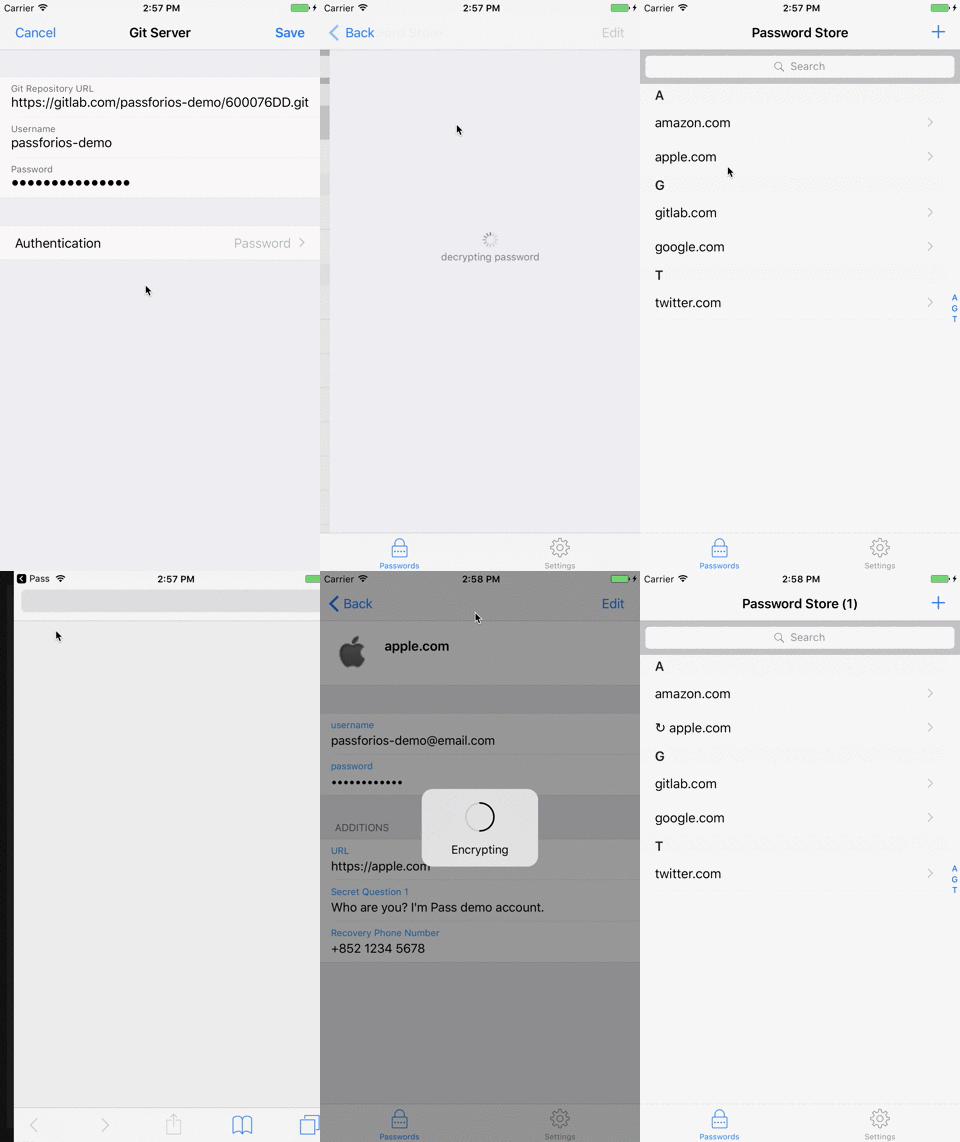

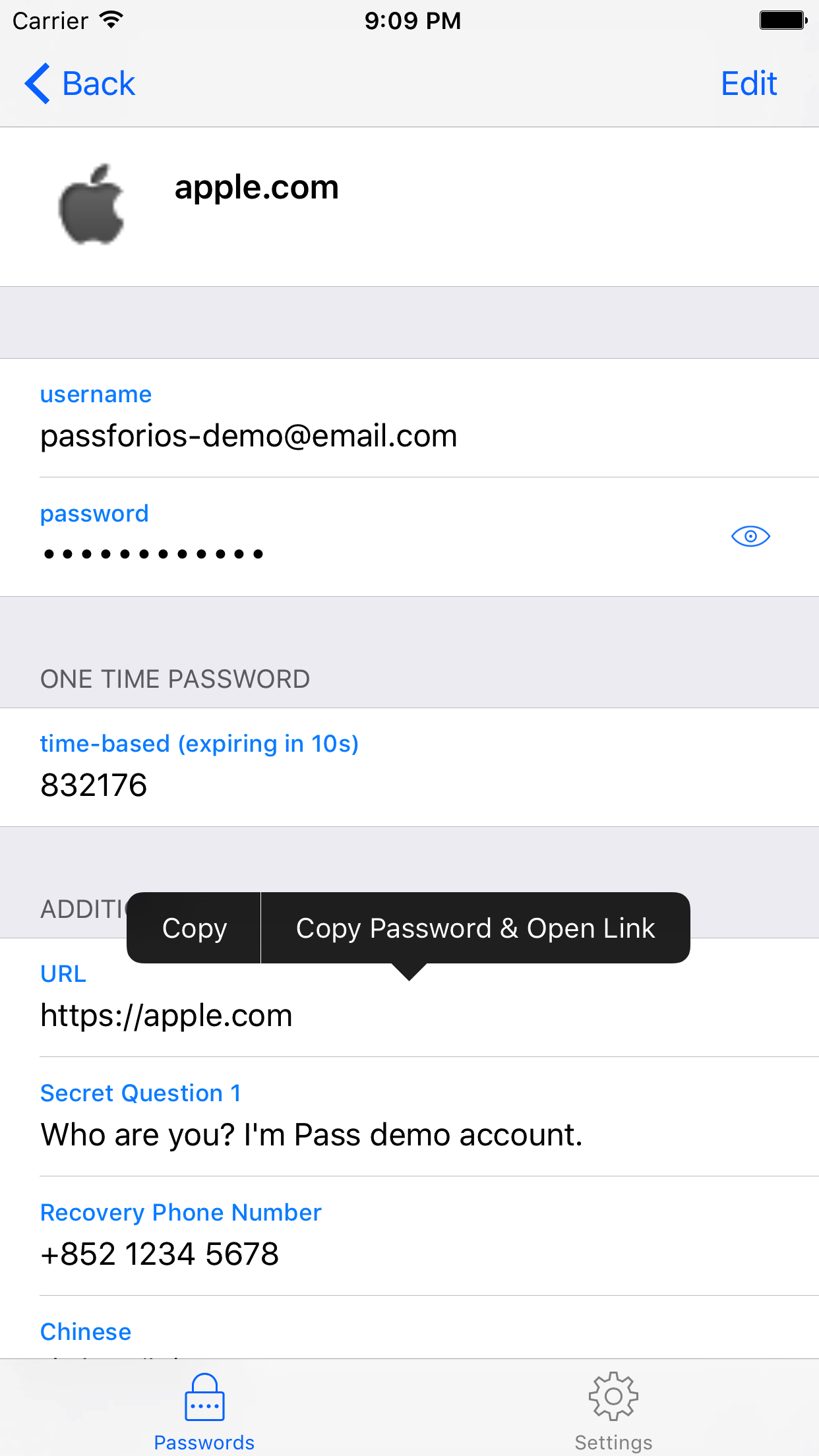
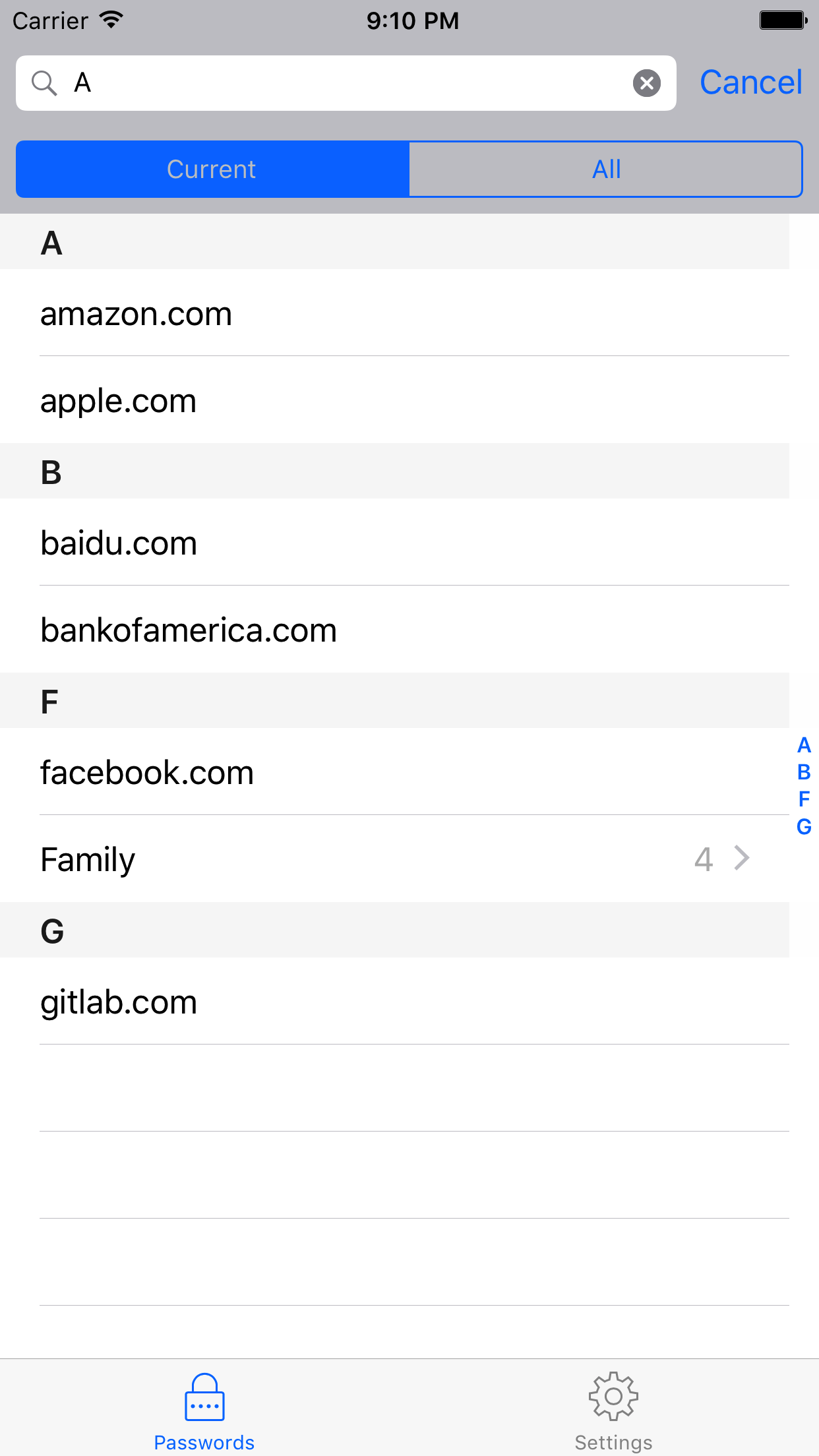
Usages
- Setup your password-store (official
Passintroduction) - Get Pass for iOS from the App Store or build by yourself
- Setup Pass for iOS (quick-start guide)
For more, please read the wiki page.
Building Pass for iOS
- Install libtool, automake, cmake, carthage, and cocoapods:
brew install libtool automake cmake carthage cocoapods - Run carthage bootstrap in the project root directory:
carthage updatethencarthage bootstrap --platform iOS(this may take some time) - Run pod install in the project root directory:
pod install - Open
.xcworkspacefile in Xcode. - Build & Run.
License
MIT