No description
https://github.com/mssun/passforios
| fastlane | ||
| go/src/gopenpgpwrapper | ||
| icon | ||
| img | ||
| pass | ||
| pass.xcodeproj | ||
| passAutoFillExtension | ||
| passExtension | ||
| passKit | ||
| passKitTests | ||
| passTests | ||
| .gitignore | ||
| .travis.yml | ||
| _config.yml | ||
| Cartfile | ||
| Cartfile.resolved | ||
| gopenpgp_build.sh | ||
| LICENSE | ||
| Podfile | ||
| README.md | ||


Pass



Pass is an iOS client compatible with ZX2C4's Pass command line application. It is a password manager using GPG for encryption and Git for version control.
Pass for iOS is available in App Store with the name "Pass - Password Store", and both iPhone and iPad are supported.

If you want to join the iOS beta via TestFlight, drop an email to developer@passforios.mssun.me. Thank you.
Features
- Compatible with the Password Store command line tool.
- View, copy, add, and edit password entries.
- Encrypt and decrypt password entries by PGP keys.
- Synchronize with your password Git repository.
- User-friendly interface: search, long press to copy, copy and open link, etc.
- Support one-time password tokens (two-factor authentication codes).
- Autofill in Safari/Chrome and supported apps.
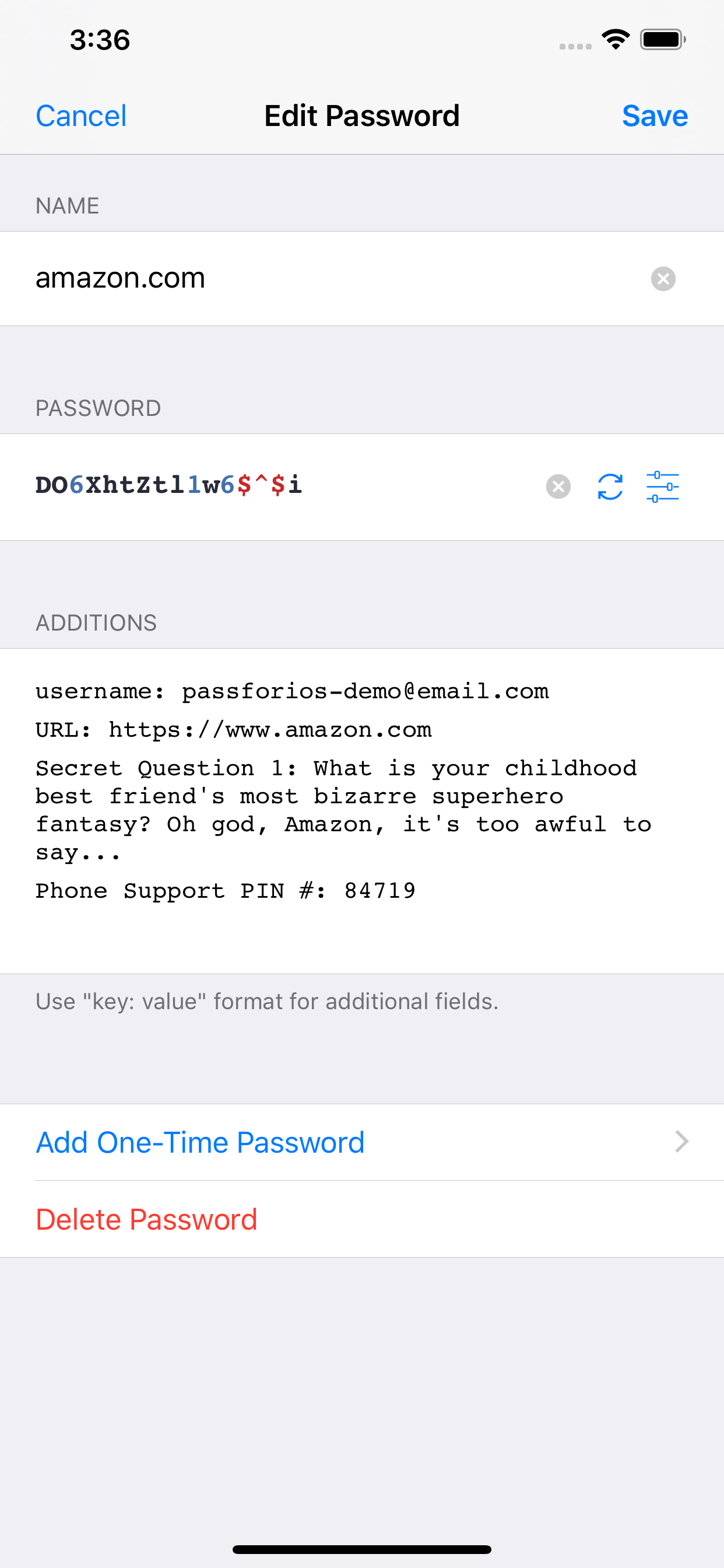
Screenshots


Usages
- Setup your password-store (official
Passintroduction) - Get Pass for iOS from the App Store or build by yourself
- Setup Pass for iOS (quick-start guide)
For more, please read the wiki page.
Building Pass for iOS
- Install libtool, automake, cmake, carthage, and go:
brew install libtool automake cmake carthage go. - Run carthage bootstrap in the project root directory:
carthage updatethencarthage bootstrap --platform iOS(this may take some time). - Run
./gopenpgp_build.shto build go dependencies. - Open
pass.xcodeprojfile in Xcode. - Build & Run.
License
MIT