No description
https://github.com/mssun/passforios
 83c6ae33dc
The autofill extension currently calls the success callback even if a passcode/FaceID is not successfully verified. In the case that the PGP key passphrase is stored, this results in password decryption without further user interaction. The fix is to only decrypt passwords upon successful passcode / FaceID verification. |
||
|---|---|---|
| .github | ||
| fastlane | ||
| icon | ||
| img | ||
| pass | ||
| pass.xcodeproj | ||
| passAutoFillExtension | ||
| passExtension | ||
| passKit | ||
| passKitTests | ||
| passShortcuts | ||
| passTests | ||
| patch | ||
| scripts | ||
| .gitignore | ||
| .mailmap | ||
| .swift-version | ||
| .swiftformat | ||
| .swiftlint.yml | ||
| _config.yml | ||
| Cartfile | ||
| Cartfile.resolved | ||
| Gemfile | ||
| Gemfile.lock | ||
| LICENSE | ||
| README.md | ||

Pass




Pass is an iOS client compatible with ZX2C4's Pass command line application. It is a password manager using GPG for encryption and Git for version control.
Pass for iOS is available in App Store with the name "Pass - Password Store", and both iPhone and iPad are supported.

You can also help us test beta versions through TestFlight.
Features
- Compatible with the Password Store command line tool.
- View, copy, add, and edit password entries.
- Encrypt and decrypt password entries by PGP keys.
- Synchronize with your password Git repository.
- User-friendly interface: search, long press to copy, copy and open link, etc.
- Support one-time password tokens (two-factor authentication codes).
- AutoFill in Safari/Chrome and supported apps.
- Support YubiKey.
Screenshots


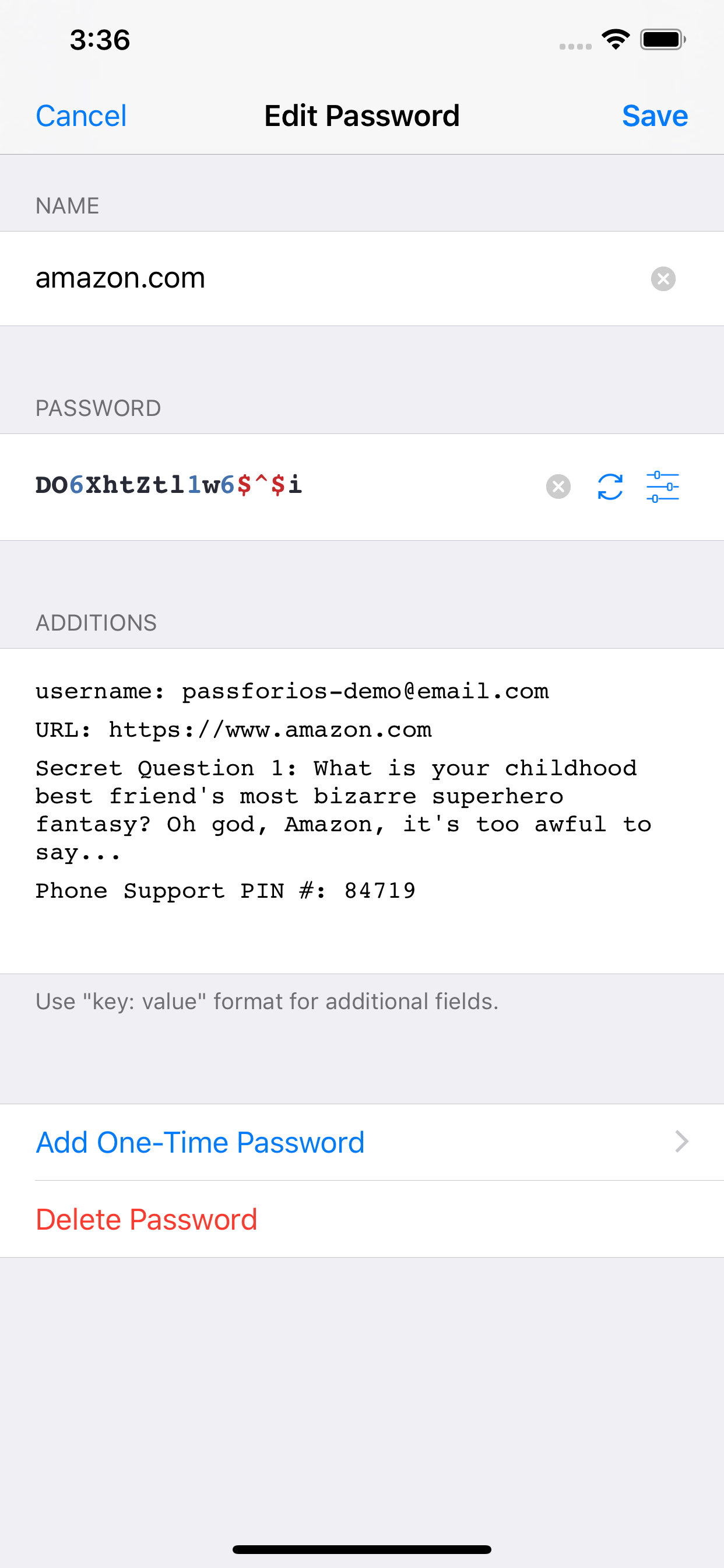
Usages
- Setup your password-store (official
Passintroduction) - Get Pass for iOS from the App Store or build by yourself
- Setup Pass for iOS (quick-start guide)
For more, please read the wiki page.
Building Pass for iOS
- Install Carthage, Go, SwiftLint, and SwiftFormat:
brew install carthage go swiftlint swiftformat. - Install dependencies via Carthage. Therefore, execute
carthage bootstrap --platform iOS --use-xcframeworksin the root directory of the project. - Run
./scripts/gopenpgp_build.shto build GopenPGP. - Open the
pass.xcodeprojfile in Xcode. - Build & Run.
License
MIT