No description
https://github.com/mssun/passforios
 b503e5f613
In case there are uncommitted changes in the remote repository the push ran through successfully but there were still unpushed changes in the app. This change notfies the user about this situation. Strangely, the push method from Objective-Git does not inform about this, although the command line Git does. Thus, the check for the number of local changes is used after the push operation, which can actually have several reasons. Important is that there is at least some hint, though. |
||
|---|---|---|
| fastlane | ||
| icon | ||
| img | ||
| pass | ||
| pass.xcodeproj | ||
| passAutoFillExtension | ||
| passExtension | ||
| passKit | ||
| passKitTests | ||
| passShortcuts | ||
| passTests | ||
| .gitignore | ||
| .travis.yml | ||
| _config.yml | ||
| Cartfile | ||
| Cartfile.resolved | ||
| Gemfile | ||
| Gemfile.lock | ||
| gopenpgp_build.sh | ||
| LICENSE | ||
| Podfile | ||
| README.md | ||

Pass



Pass is an iOS client compatible with ZX2C4's Pass command line application. It is a password manager using GPG for encryption and Git for version control.
Pass for iOS is available in App Store with the name "Pass - Password Store", and both iPhone and iPad are supported.

You can also help us test beta versions through TestFlight.
Features
- Compatible with the Password Store command line tool.
- View, copy, add, and edit password entries.
- Encrypt and decrypt password entries by PGP keys.
- Synchronize with your password Git repository.
- User-friendly interface: search, long press to copy, copy and open link, etc.
- Support one-time password tokens (two-factor authentication codes).
- Autofill in Safari/Chrome and supported apps.
Screenshots
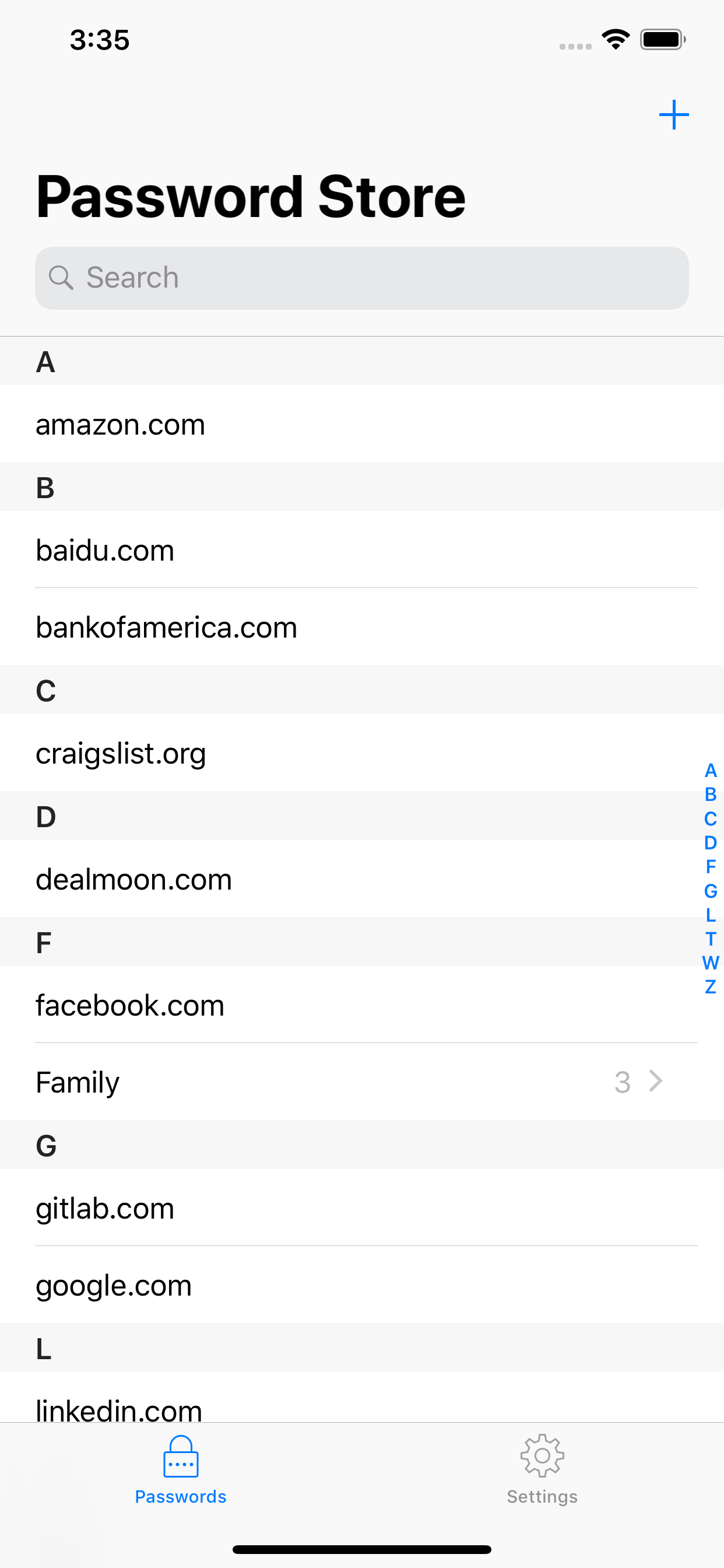
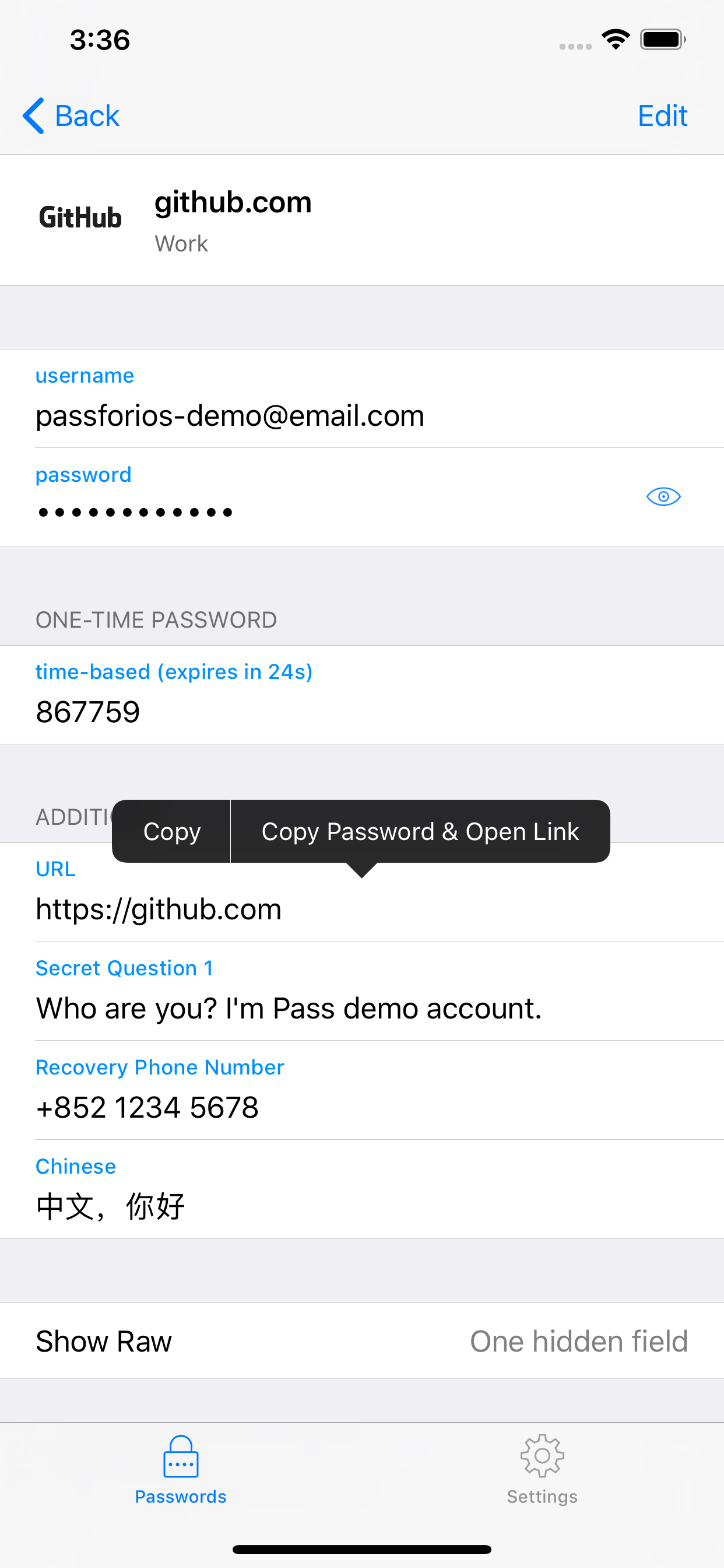
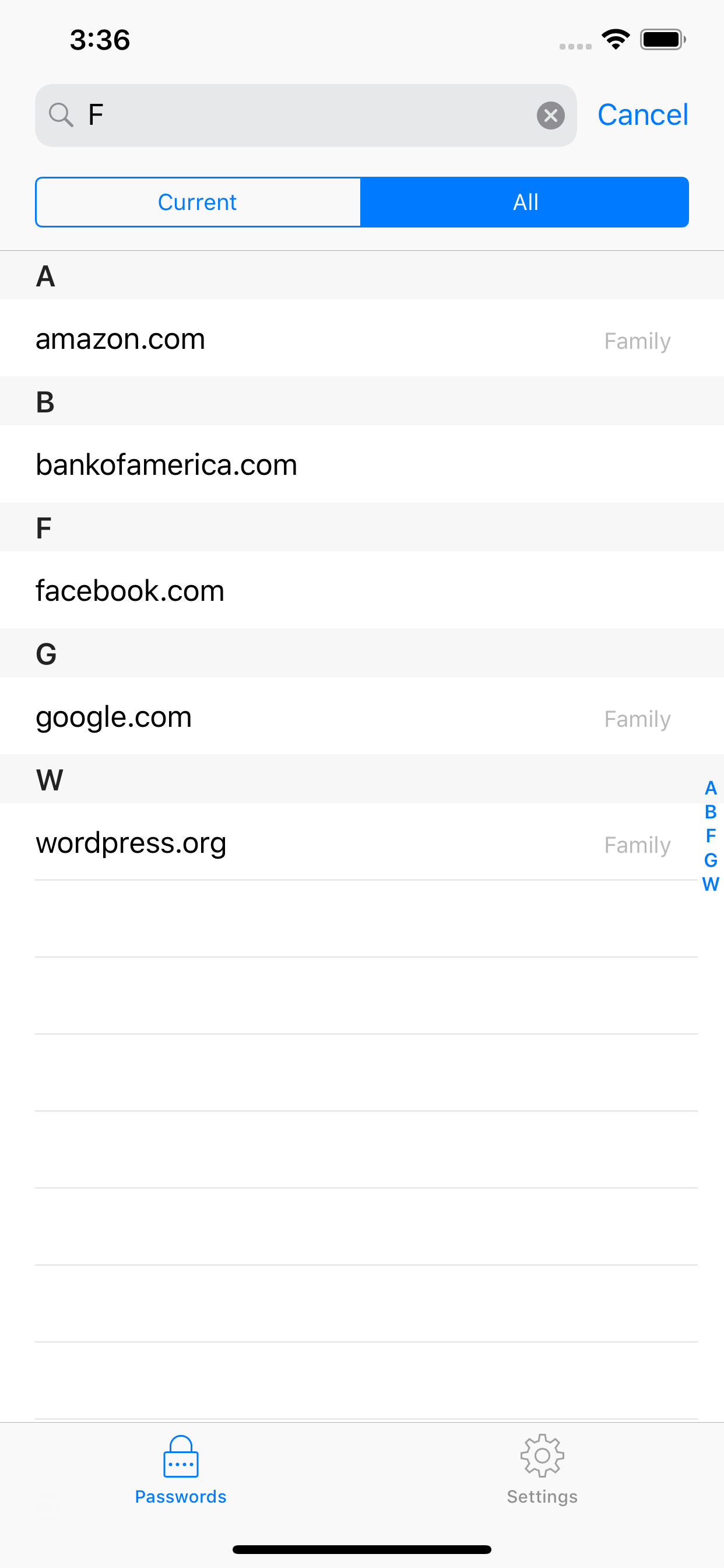

Usages
- Setup your password-store (official
Passintroduction) - Get Pass for iOS from the App Store or build by yourself
- Setup Pass for iOS (quick-start guide)
For more, please read the wiki page.
Building Pass for iOS
- Install libtool, automake, cmake, carthage, cocoapods, and go:
brew install libtool automake cmake carthage cocoapods go. - Run carthage bootstrap in the project root directory:
carthage updatethencarthage bootstrap --platform iOS(this may take some time). - Run
./gopenpgp_build.shto build go dependencies. - Run pod install in the project root directory:
pod install. - Open
pass.xcworkspacefile in Xcode. - Build & Run.
License
MIT