No description
https://github.com/mssun/passforios
 fa512e6c86
If the switch is on, users need to type passphrase of secret key once. The key will be stored in the Keychain. If the switch is off, users have to fill in passphrase for each decryption including show password detail and long press to copy. |
||
|---|---|---|
| icon | ||
| pass | ||
| pass.xcodeproj | ||
| screenshot | ||
| .gitignore | ||
| _config.yml | ||
| Cartfile | ||
| LICENSE | ||
| Podfile | ||
| README.md | ||

Pass


Pass is an iOS client compatible with ZX2C4's Pass command line application. It is a password manager using GPG for encryption and Git for version control.
Pass for iOS is under TestFlight external testing. Drop me an email for testing. Thank you.
Features
- Try to be compatible with Password Store command line tool
- Support to view, copy, add, edit password entries
- Encrypt and decrypt password entries by PGP keys
- Synchronize with you password Git repository
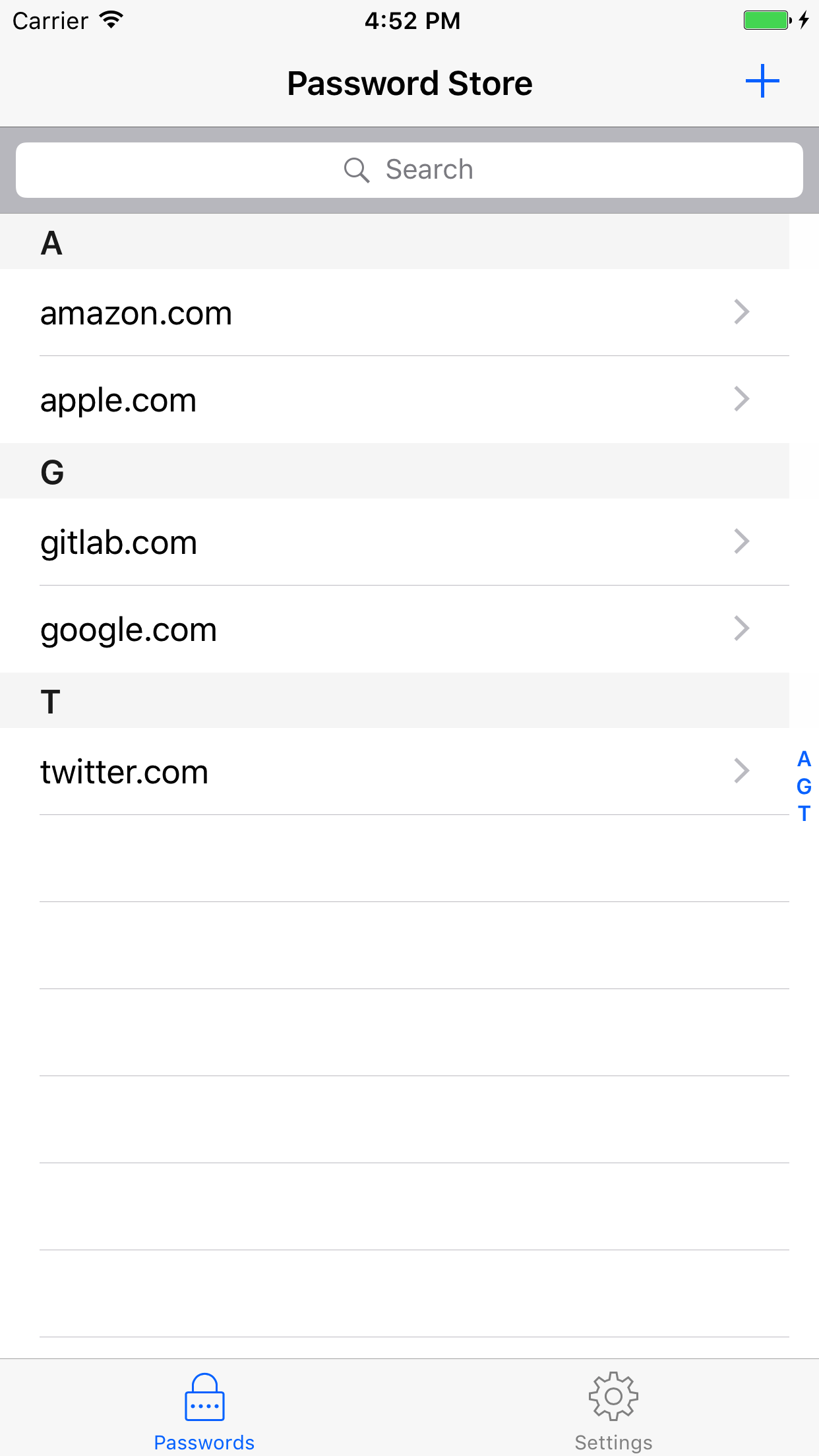
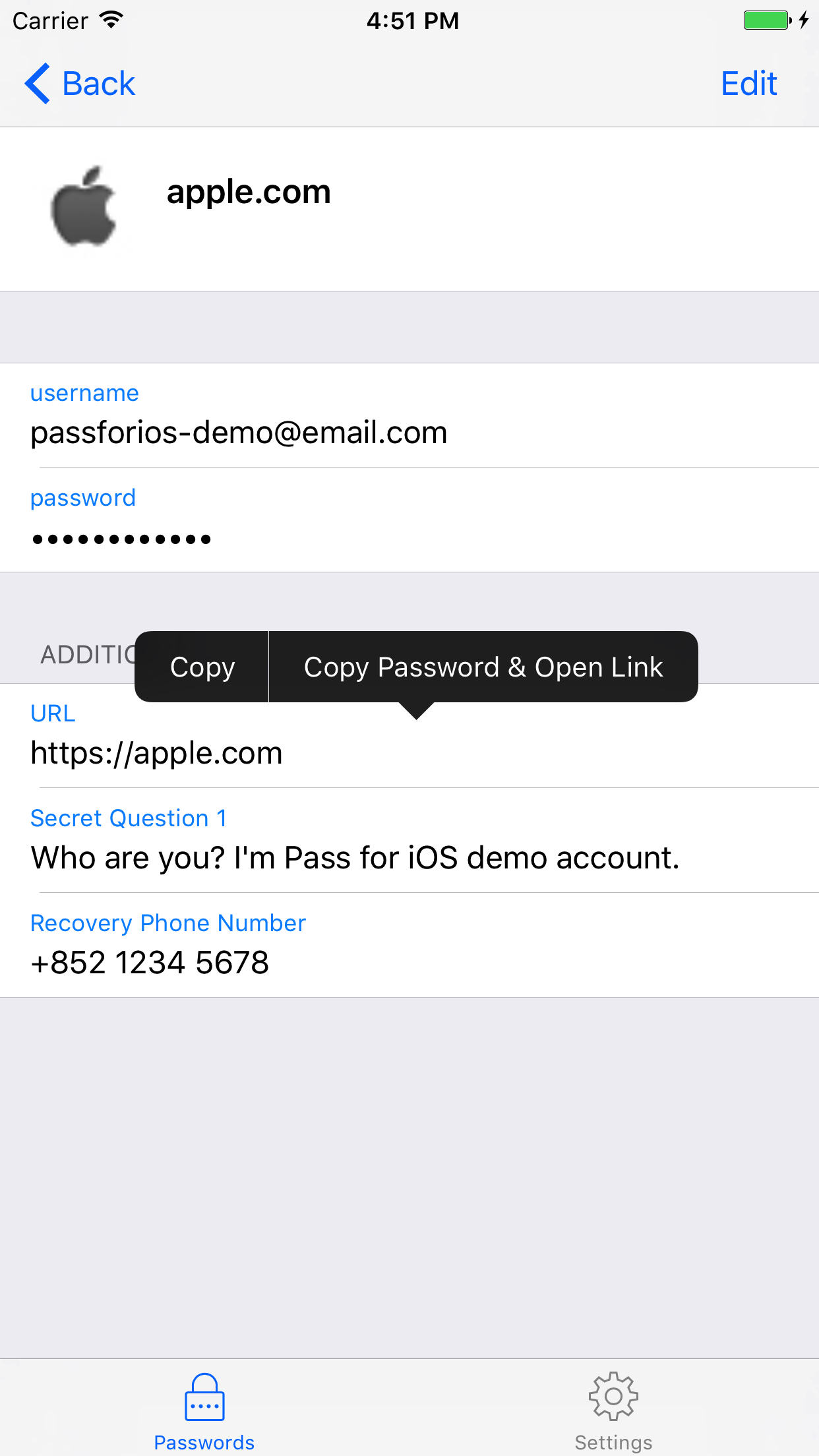
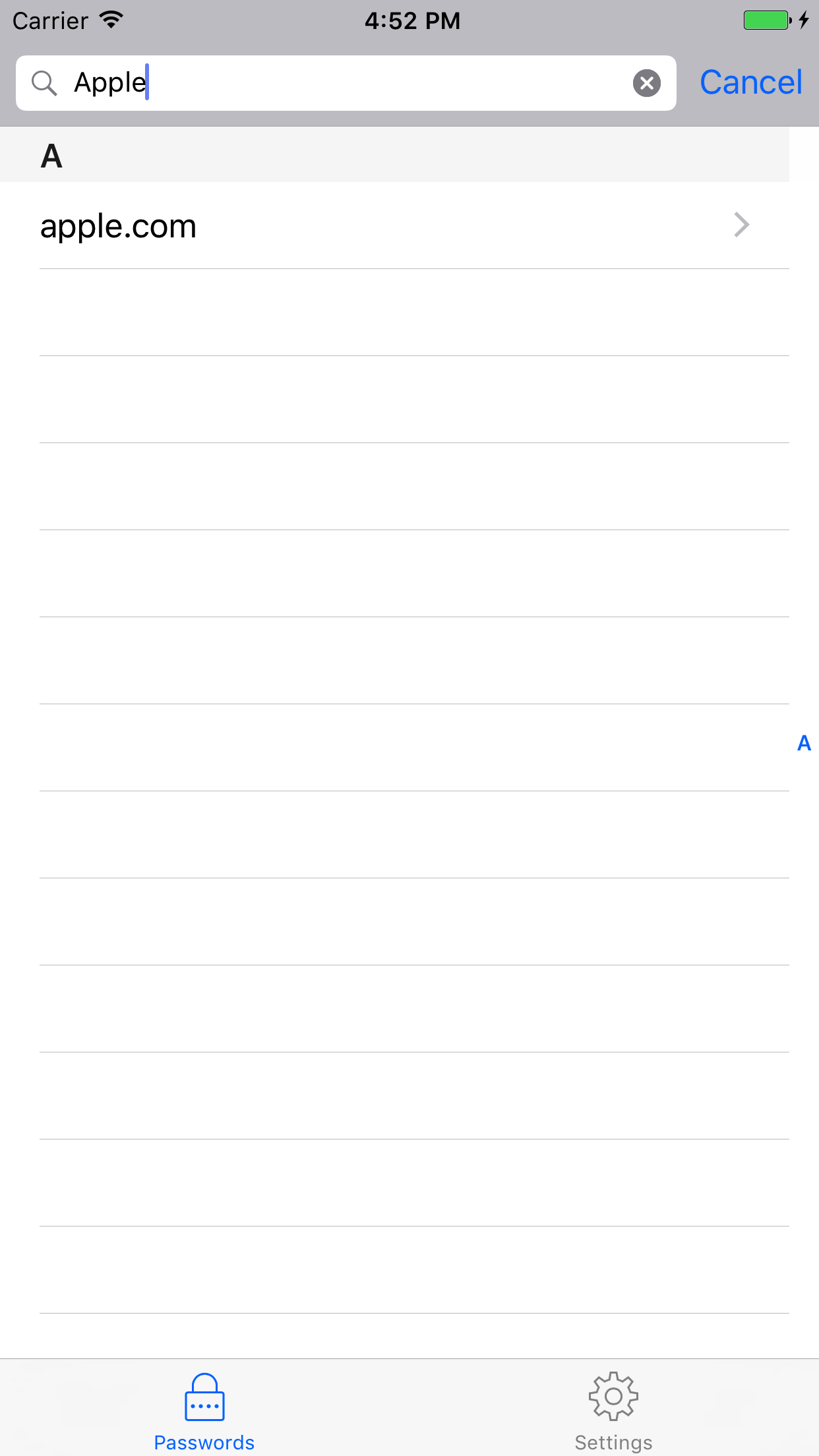
- User-friendly interface: search, long press to copy, copy and open link, etc.
- Written in Swift
- No need to jailbreak your devices
- Get from App Store (stay tuned, under review)
Screenshots

Build
- Install libtool, automake, cmake, carthage, and cocoapods:
brew install libtool automake cmake carthage cocoapods - Run carthage bootstrap in the project root directory:
carthage bootstrap --platform iOS(this could take a long time to build related frameworks) - Run pod install in the project root directory:
pod install - Open
.xcworkspacefile in Xcode. - Build & Run.
Usage
- Generate a PGP key pair
- Use the
passcommand line tool - Push encrypted password store to a private Git repository
- Build Pass for iOS by yourself or download from App Store
- Start to use Pass for iOS on your iPhone/iPad
For more, please read the wiki page.
License
MIT